In this guide
Abandonment is an observation, not a single problem. A shopper may discover an unexpected shipping charge, fail to understand a payment error, or simply decide to buy later. The store cannot control every reason, but it can make the purchase path clearer and remove avoidable obstacles.
Begin by observing the actual mobile checkout with realistic products, addresses and payment scenarios. Separate usability defects from hypotheses. A broken payment button needs repair; a different button label needs a testable reason to change it.
Define the funnel before interpreting it
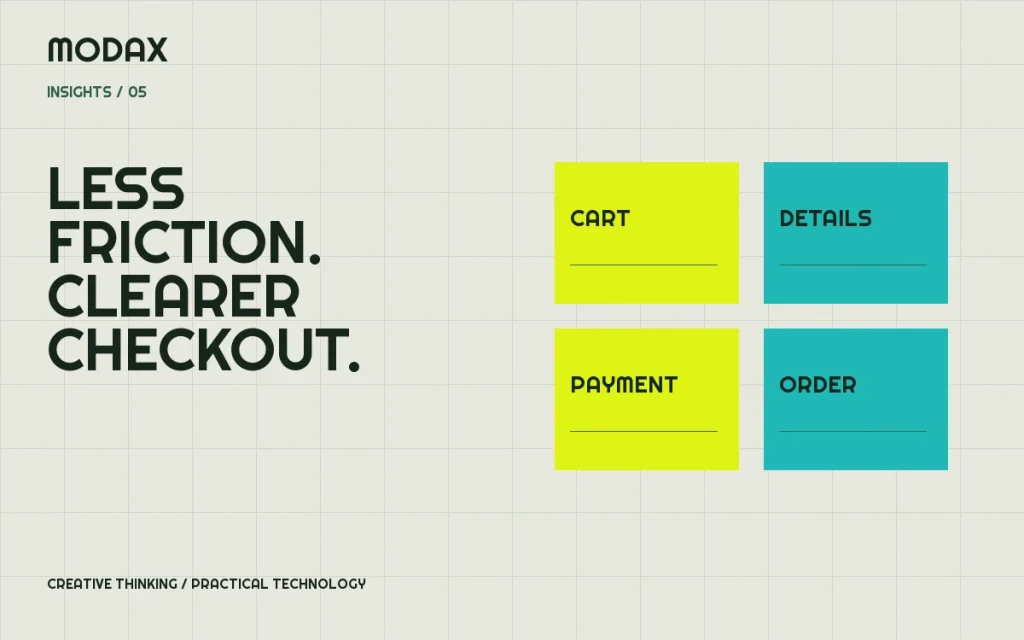
Agree on the steps you will measure: cart view, checkout start, shipping/payment interaction and completed order. Ensure the completed-order event represents a genuine successful order state in your payment flow. Reloading a confirmation page should not create another purchase in reporting.
Analyze results by relevant context, such as device or acquisition channel, only when data volume supports a useful comparison. A change in traffic quality can move a conversion rate even when checkout has not changed. Do not promise an uplift based on another store's results.
Make costs and availability understandable
Show product price and meaningful delivery information before the last step. When shipping depends on an address, explain that dependency and provide an estimate or calculation at a sensible point. Avoid presenting unavailable stock or a restricted delivery location as a surprise after the shopper enters payment details.
The order review should explain discounts, shipping, taxes and total consistently. Test the displayed amounts against the final order and the payment-provider record. Promotional copy should not obscure the amount the customer is agreeing to pay.
Reduce form work without removing necessary information
Question every required field. Keep information needed for fulfillment, payment or a genuine legal requirement; make other fields optional or remove them. Use persistent labels, appropriate autocomplete and helpful error text. The W3C forms tutorial covers labeling, instructions, validation and user notifications that support accessible forms.
Allow guest checkout when it fits the business model. WooCommerce's accounts and privacy settings describe the available account-creation and guest-checkout controls. Subscription or account-dependent purchases may have different requirements. Do not remove an account requirement without understanding why it exists.
Test on a small screen and with a keyboard
Check the complete path, including address suggestions, quantity changes, shipping choices and payment-provider overlays. Controls should remain usable when the on-screen keyboard is open. Focus must not disappear after an error or become trapped outside a payment dialog.
Test long names, international addresses where supported and browser autofill. A checkout that only works with the developer's short test address has not been adequately validated.
Offer relevant payment options
More payment logos do not automatically create trust. Offer methods eligible for the business and useful to its customers, using supported integrations. Verify currencies, country restrictions, refunds and authentication steps. A gateway being listed in an extension directory does not establish merchant approval.
Keep genuine reassurance close to the decision: clear contact information, understandable returns/delivery policies and an accurate order summary. Do not invent security certifications, testimonials or guarantees.
Make errors recoverable
Describe the affected field and how to correct it without exposing sensitive provider details. Preserve safe customer input after a recoverable error. Prevent repeated order placement while a request is already processing, and ensure retrying after an uncertain response does not create duplicate orders or charges.
| Test case | What to verify |
|---|---|
| Invalid address | Clear explanation; other safe input retained |
| Payment declined | Useful recovery path; no false order success |
| Slow provider response | Processing state; duplicate action protection |
| Coupon or shipping change | Displayed total and final order remain consistent |
| Return from authentication | Correct order state and confirmation |
Keep performance work connected to correctness
Measure checkout with the actual cart/session. Public-page caching techniques can be unsafe for personalized commerce responses. Review remote payment calls, main-thread JavaScript and layout shifts before making changes. The performance guide explains how to separate these layers.
For an experiment, document the hypothesis, primary metric, guardrails and rollback condition before release. Check order failures and support requests as well as conversion. If traffic is too low for a useful experiment, prioritize verified defects and direct usability observations rather than declaring a statistically proven winner.
Bring the current checkout, affected devices and examples of friction to a discussion about e-commerce improvements. The goal is a buying journey that customers can understand and operators can trust.