In this guide
Start with the information that needs to move, not the connector you hope to install. “Send orders to the CRM” leaves important questions unanswered: which orders, at which status, linked to which customer, and what should happen after a refund or failed request?
Write a small data contract before choosing an implementation. It should explain each field, its owner, its identifier and the circumstances in which it changes. This makes it possible to evaluate a native integration and a custom one against the same requirements.
Choose the narrowest reliable integration
A supported connector can be a good fit when its mapping, supported events and operational controls match your process. Test an actual customer record and order through the whole lifecycle rather than stopping when the first contact appears in the CRM.
Use custom development when a necessary mapping, rule or recovery behavior is missing and cannot be configured safely. A small adapter may be sufficient; replacing an entire connector is not always necessary.
| Approach | Good fit | Verify first |
|---|---|---|
| Native integration | Standard, well-supported workflow | Fields, event timing, support and compatibility |
| Connector platform | Several services with supported actions | Costs, retention, retries and data exposure |
| Webhook receiver | Reacting to store events | Signature validation, duplicates and processing failure |
| REST API integration | Reading/updating selected records | Permissions, limits, pagination and conflict rules |
Define customer, order and inventory ownership
Use stable external identifiers rather than matching solely on a changeable email address or product title. Keep guest orders and registered customer records distinct where the systems require it. Decide how a later account creation relates to previous orders.
For orders, define which status means the downstream task should begin and how cancellations or refunds are represented. For inventory, choose the authoritative system and prevent the two applications from repeatedly overwriting each other. A stock update arriving after a newer adjustment needs a conflict policy.
Understand the webhook and API roles
WooCommerce webhooks notify a configured receiver about selected events. The REST API provides authenticated interfaces for reading and writing commerce data. A notification and a durable synchronized record are different things; the receiver must decide how the event is processed and verified.
Use the provider's documented authentication and verify webhook signatures against the raw request bytes. Keep secrets server-side and restrict permissions to the operations required. Do not put API credentials in browser code, query strings or support screenshots.
Design for duplicate delivery
The following illustrates the security boundary for a WooCommerce webhook receiver; it is not a complete endpoint. The actual endpoint must also validate the topic and payload, enforce request limits, queue processing and implement safe retry/deduplication.
$raw = file_get_contents('php://input');
$signature = $_SERVER['HTTP_X_WC_WEBHOOK_SIGNATURE'] ?? '';
$expected = base64_encode(hash_hmac('sha256', $raw, $secret, true));
if (!hash_equals($expected, $signature)) {
    http_response_code(401);
    exit;
}
// Validate the event; enqueue work with a durable unique delivery key.
The secret comes from protected server configuration, not the request. Signature verification establishes a boundary; it does not validate every business field. Verify the receiver design against the current WooCommerce webhook documentation before deployment.
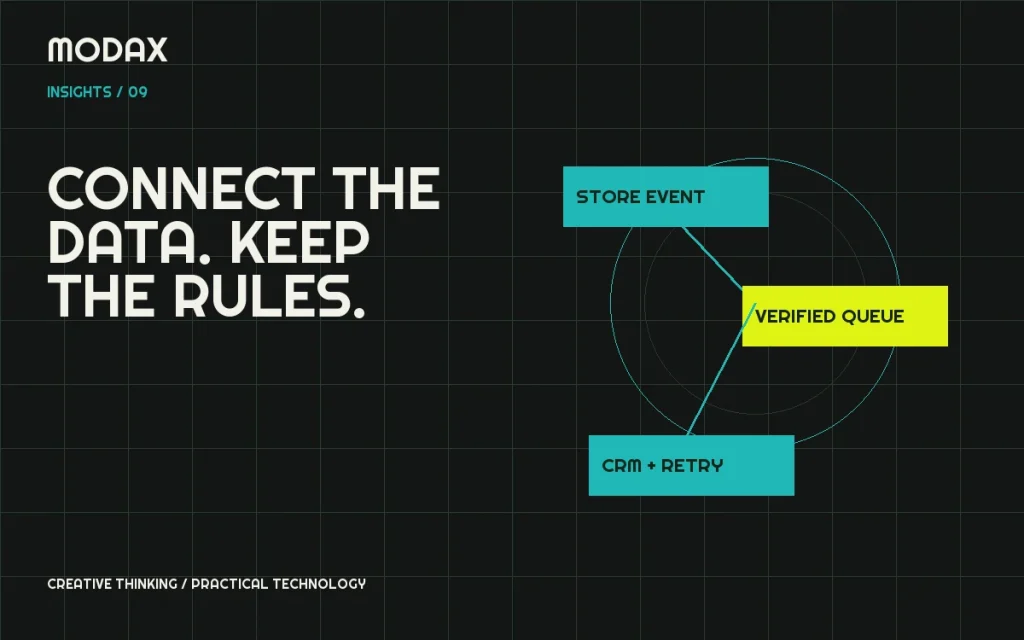
Use a persistent unique key for processed deliveries or business actions. Retrying the same event must not create another invoice, customer or fulfillment task. If processing is asynchronous, acknowledge only after durable acceptance, and distinguish acceptance from completion in your logs.
Plan errors, reconciliation and security
Record a correlation identifier, outcome and safe error category. Avoid storing full customer payloads indefinitely or logging credentials. Define bounded retries for transient failures and an operator-visible queue for cases that require intervention. Authentication failures and invalid payloads need investigation, not endless retrying.
Add reconciliation for missed events: compare records against a checkpoint and repair differences according to the ownership rules. Paginate API reads, respect limits and handle changes occurring while a batch runs. Document how the integration resumes after an outage or credential rotation.
Test the lifecycle, not only the happy path
Include duplicate events, out-of-order updates, refunds, guest customers, an unavailable CRM and a timeout after the remote system has already created a record. Use synthetic data on staging and confirm that test integrations cannot alter real customer records.
For a custom integration discussion, bring sample field mappings, the applications involved and the operational task the connection should support. The goal is a system whose failures are visible and recoverable, not just a successful demonstration request.