In this guide
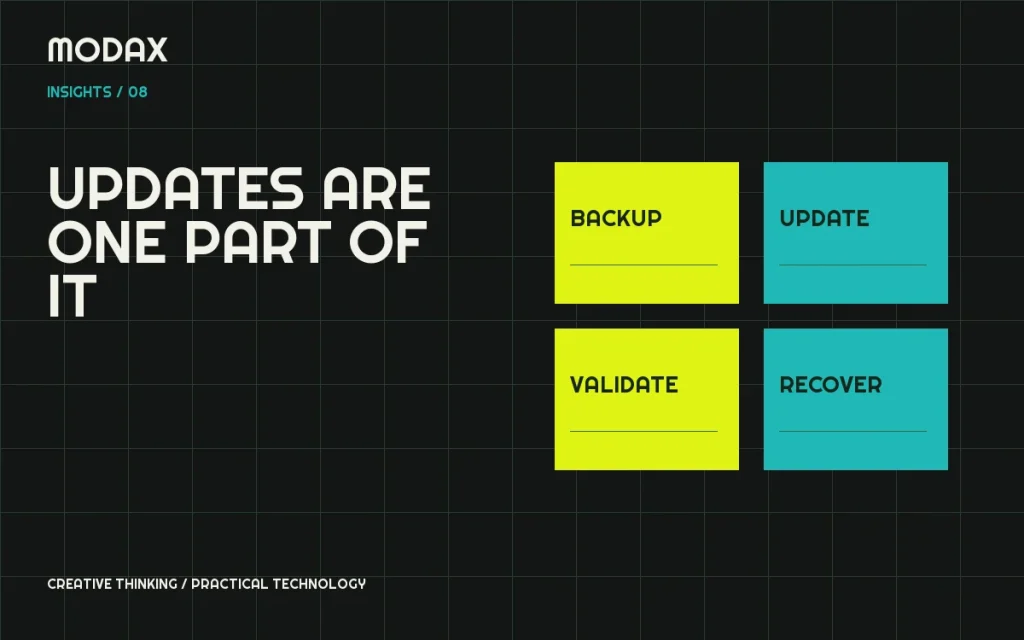
Maintenance is the work that keeps a website usable and recoverable as its software, content and business requirements change. Installing updates is part of it, but a successful update screen does not prove that checkout, forms or integrations still work.
Start by identifying critical journeys and who owns them. A small brochure site and a store with live orders need different response plans. Define the maintenance scope around the consequences of failure rather than a generic list of weekly tasks.
Keep an inventory of the system
Record WordPress, the active/parent themes, plugins, custom code, hosting and external integrations. Identify which components own important content or behavior. A plugin that appears unused visually may still register project records, process a form or supply an administrative workflow.
For each dependency, record licensing, support status, update source and the responsible contact. Keep credentials in an appropriate secure system rather than a maintenance checklist or public repository.
Plan updates as controlled changes
Review the change, confirm a recovery point and test on staging where practical. Prioritize urgent vulnerabilities according to exposure and operational risk; do not postpone a security issue simply because a routine update window is weeks away. Conversely, do not make a large dependency migration without understanding compatibility.
Test representative journeys after updates: navigation, editing, forms and any important account or purchase process. For commerce, include payment initiation, order creation and relevant operational tasks. A screenshot comparison can catch layout changes but cannot replace functional checks.
Backups must support restoration
WordPress's backup guidance explains why both files and database records matter. Confirm the backup scope, retention, storage location and access controls. A copy on the same failed server may not be a sufficient recovery strategy.
Rehearse restoration in a safe environment. Record the time, missing prerequisites and validation steps. For a transactional site, understand what orders or enquiries could be lost between the recovery point and the incident; do not overwrite newer business data casually.
Security monitoring and vulnerability management
Agree on who receives alerts and how they are assessed. Review supported software, access permissions and changes to administrative users. Monitoring without an assigned response owner leaves an important gap.
Avoid claims that a website can be made permanently secure. Define the controls, evidence and response process instead. WordPress's hardening guidance is a useful reference, but it must be applied to the actual hosting and application context.
Uptime and performance are different checks
A page returning HTTP 200 can still contain a failed form or broken checkout. Decide whether monitoring covers only availability or also critical workflows. Do not use a real payment or send repeated public enquiries as a substitute for a carefully designed test.
Track performance with comparable lab checks and sufficient real-user evidence where available. Review regressions after major content changes, new integrations and software releases. A single strong score is not a permanent service-level guarantee.
Database maintenance requires context
Investigate growth, slow queries, scheduled jobs and retention settings. Do not delete unfamiliar tables, options or scheduled actions merely to reduce a number. Determine which software owns them and whether they contain orders, subscriptions, audit information or integration state.
Use a backup and a scoped plan before cleanup. If the goal is to reduce stored personal data, coordinate the retention requirement with the responsible business owner and any legal obligations.
| Maintenance area | Useful evidence |
|---|---|
| Updates | Versions changed, compatibility checks and recovery point |
| Backups | Successful export plus a documented restore exercise |
| Availability | What was monitored, when and who responds |
| Security | Reviewed alerts and recorded corrective action |
| Performance | Comparable measurements and identified regressions |
| Recovery | Ownership, access prerequisites and validation checklist |
Agree on scope and response expectations
A maintenance agreement should distinguish included tasks, incident response, development work and third-party responsibilities. Ask about coverage hours, escalation, exclusions and how changes are approved. Do not infer around-the-clock monitoring or instant resolution from the word “support.”
For technical support, bring the current stack, critical workflows, available backups and the problem you need addressed. Modax can help define an appropriate scope and practical next steps without assuming a monitoring arrangement that has not been agreed.