In this guide
A redesign changes how people understand and use a website. It can also change the signals search engines rely on: URLs, content, internal links, metadata and crawlability. Plan those changes deliberately so a better-looking site does not accidentally make useful pages disappear.
No checklist can guarantee unchanged rankings. The practical goal is to identify valuable content and paths, preserve what still serves the business and make necessary changes testable and recoverable.
Establish the baseline
Export published URLs, sitemap entries, analytics landing pages, Search Console performance and available backlink information. Include important pages that are not linked from the main navigation. Record response codes, titles, descriptions, canonicals, headings and major content.
If ranking or traffic data is unavailable, document that limitation. A public search query is not a substitute for verified Search Console data or a complete indexation audit. Do not declare a page worthless just because nobody remembered to include it in the design brief.
Decide the purpose of each page
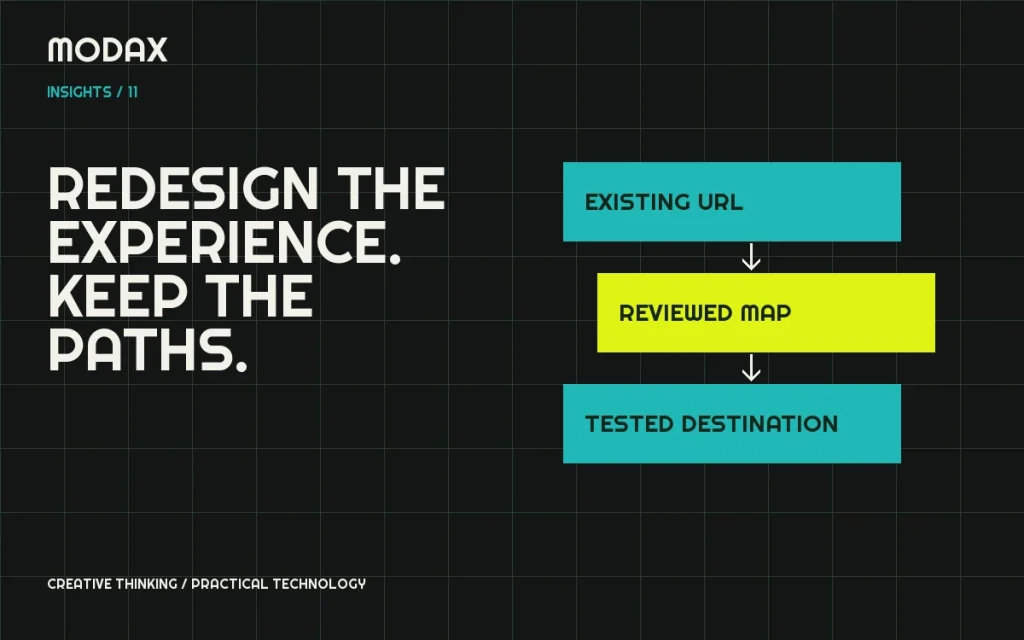
Map existing pages to the proposed information architecture. Preserve a URL when the page still serves the same purpose and there is no compelling reason to change it. If combining content, confirm that the destination answers the important questions addressed by the source pages.
Distinguish an improvement in navigation from a need to rename every path. The menu label can change without changing the URL. A proposed prettier slug is not sufficient reason to discard an established landing page.
Build redirects before launch
Where URLs must change, map each old URL to its closest relevant destination. Avoid sending every removed service or article to the homepage. Check for loops, long chains and redirects that lose essential parameters.
Google's site-move guidance recommends preparing a URL mapping, implementing the move and monitoring it. Use that framework for a path migration, and verify the actual response rather than assuming a redirect-plugin entry is working.
| Existing page decision | Implementation check |
|---|---|
| Same purpose and URL | Correct page returns 200 |
| Same purpose, new URL | Old URL redirects to the specific new page |
| Consolidated useful content | Destination retains relevant information and intent |
| Truly removed content | Deliberate status and documented reason |
Preserve meaningful content and metadata
Keep useful explanations, project facts, media context and internal references. Improve duplication and unclear writing without replacing substantive content with a few promotional lines. Create unique titles and descriptions that accurately represent each page, with one meaningful H1 and a logical heading hierarchy.
Check image descriptions and accessible link text as part of the content review. Do not invent client results or credibility metrics to fill a new layout. A reusable content model should make later updates easier, not hide the text in an unmaintainable template.
Align canonicals, links and sitemaps
Confirm that canonical URLs represent the intended indexable page and do not point to staging, an old path or a generic homepage. Update internal links to the current destinations where practical. Keep sitemap URLs consistent with the intended canonical set.
Use Google's canonical documentation when deciding how duplicate variants should be consolidated. Canonical hints do not replace a necessary redirect or make an inaccessible page usable.
Keep staging out of the index
Maintain deliberate noindex controls throughout development, with authentication where appropriate. Do not rely on an obscure URL. Also make sure search engines can encounter the required noindex instruction; a robots disallow and a noindex instruction have different roles.
Treat environment settings as launch-sensitive configuration. The production release must not inherit staging noindex, staging canonicals or test integrations. Conversely, launching production does not mean staging should become indexable.
Validate the real release
Test representative pages at mobile and desktop widths, keyboard navigation, forms, search, commerce if applicable and critical integrations. Crawl the mapped URLs, inspect headers/schema and check that important media still loads. A visual sign-off is only one part of release validation.
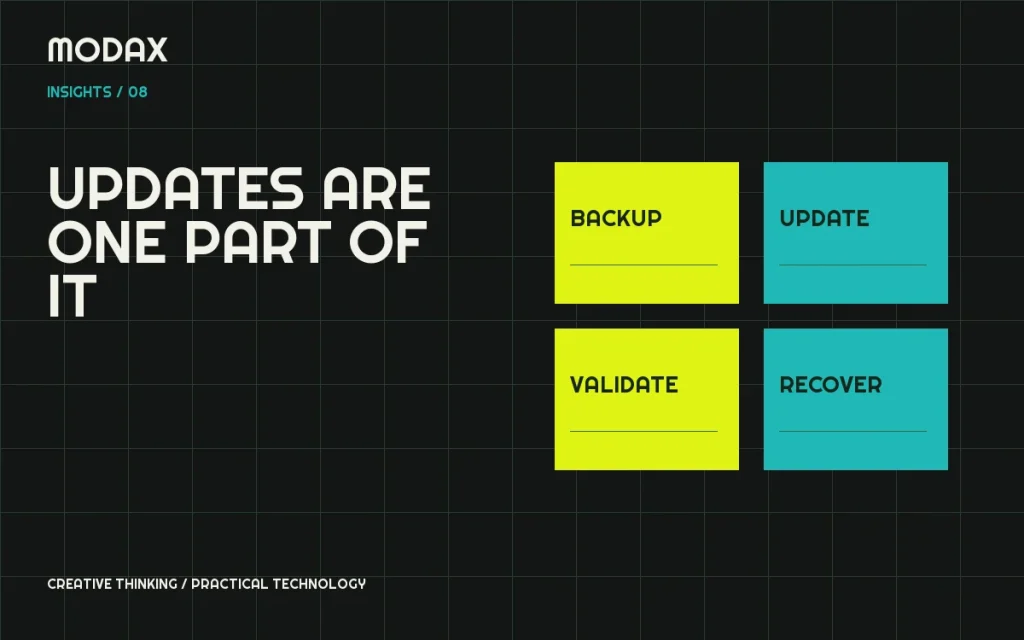
Take files/database backups and plan rollback without overwriting new business activity. Document exactly which changes are included, who approves them and how to restore the previous state.
Monitor after launch
Submit and inspect the correct sitemap in Search Console where appropriate. Watch crawl/indexation reports, landing-page traffic, server errors and conversion paths. Investigate changes with the baseline and mapping rather than making a second uncontrolled migration immediately.
For website modernization, bring the current URL inventory, available search data and the business reason for the redesign. That evidence helps Modax connect the new experience to the site's existing content and technical responsibilities.