In this guide
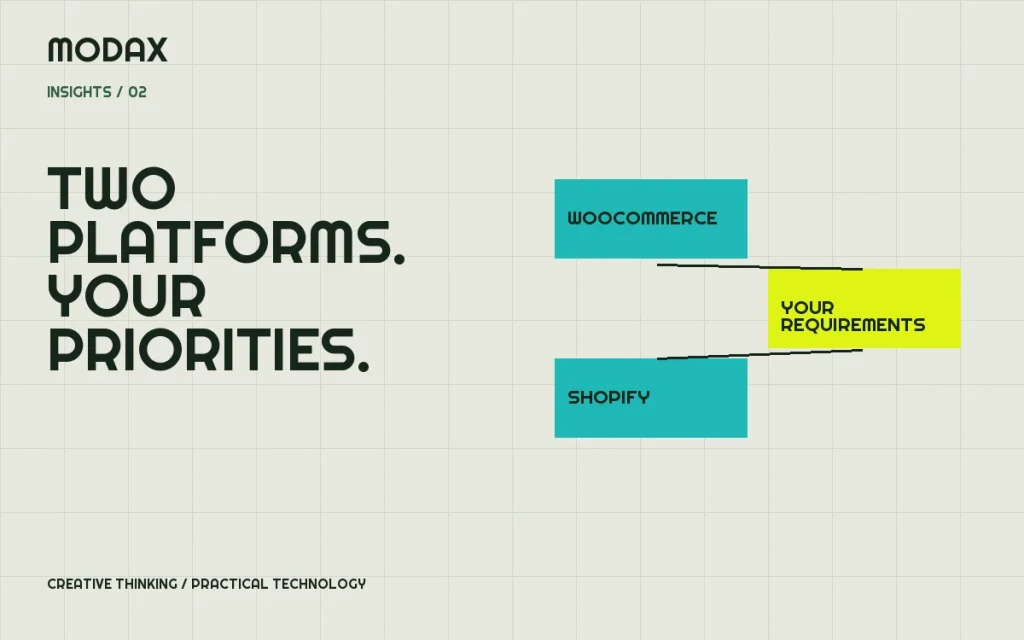
Both platforms can support a useful online store. The choice becomes clearer when you compare how the business will operate: who maintains the platform, how products are sold, which payment providers are eligible, and where your requirements differ from a standard retail checkout.
Start with a real order. Follow it from product selection through payment, fulfillment, a support request and a refund. A platform that fits this entire journey is a better choice than one selected from a list of isolated features.
The operating models are different
WooCommerce runs on WordPress, with hosting and the surrounding software stack managed by you or your provider. Shopify supplies a hosted commerce platform. Its overview describes the platform's storefront, app and sales-channel ecosystem. Hosted infrastructure reduces some operational responsibilities, but you still own decisions about account access, integrations, content and business settings.
| Requirement | WooCommerce | Shopify |
|---|---|---|
| Infrastructure | Select and manage suitable WordPress hosting | Hosted platform infrastructure |
| Core customization | Extend the WordPress/WooCommerce stack | Work within Shopify's platform and extension interfaces |
| Editing | WordPress content tools plus commerce administration | Shopify administration and theme editing |
| Maintenance | Coordinate core, extensions, theme, hosting and recovery | Maintain theme/apps/integrations and business configuration |
| Payments | Choose compatible providers subject to eligibility | Choose supported providers subject to plan, country and eligibility |
| Cost evaluation | Hosting, development, extensions, maintenance and processing | Subscription, apps, development, processing and applicable platform fees |
This is a comparison of responsibilities, not a feature guarantee. Confirm current plan and extension support for every mandatory requirement.
Customization should follow the buying journey
A branded product page does not necessarily require a custom checkout. Conversely, business pricing, account approval, unusual product configuration or tightly controlled operational workflows can change the architecture substantially.
For Shopify, verify which checkout and application-extension capabilities are available on the proposed plan. For WooCommerce, confirm the compatibility of extensions with the selected checkout, hosting and order-storage configuration. Prototype the hardest requirement first instead of discovering a platform restriction after the rest of the site is designed.
Payment eligibility comes before visual preference
Ask the intended provider to confirm support for your products, locations, sales model and settlement requirements. A technically available gateway is not a promise that the business will be accepted. Do not launch using an unrelated business classification to get around an eligibility decision.
Shopify documents third-party transaction fees separately from payment-provider processing charges. Fees and exemptions depend on the setup; use a current written quote rather than a rate copied from an old comparison article. WooCommerce costs also depend on the provider and extensions selected. Neither platform makes payment acceptance free.
Integrations and application ecosystems
List the applications that must exchange data with the store: inventory, accounting, CRM, fulfillment and marketing. Then test the actual connector against your data model. “Has an integration” may only mean it can create a contact, not synchronize refunds, company accounts or split shipments.
Record data ownership and export requirements. If you later change platforms, can you retrieve the necessary product, customer and order data in a usable form? Some application-specific records require a separate export or migration plan.
SEO and scale need implementation work on either platform
Both platforms provide ways to manage search-facing content. The quality of product information, navigation, internal links, metadata and crawlable URLs still matters. A platform switch does not fix duplicated product copy or a confusing catalog by itself. Preserve valuable URLs or map redirects when migrating.
For capacity planning, use expected catalog complexity, traffic peaks and operational load. An inventory sync, a large promotion and administrative reporting can compete for resources in different ways. Test critical workflows rather than assuming a platform name guarantees performance.
Compare total cost over a useful planning period
Include the initial build, recurring subscriptions, extensions/apps, hosting where applicable, integration work, updates, support and expected changes. Add staff time spent correcting data or working around platform limits. Keep payment processing distinct so the comparison uses the same sales assumptions.
A useful decision document explains both the chosen platform and the tradeoffs the business accepts. WooCommerce may suit a business that needs deep WordPress integration and has an ownership plan for its stack. Shopify may suit a team that prefers a hosted operating model and can work within its interfaces. Validate those tendencies against the actual requirements.
For e-commerce development, bring your catalog, operational tools and non-negotiable checkout requirements. They provide a much stronger starting point than asking which platform wins in the abstract.